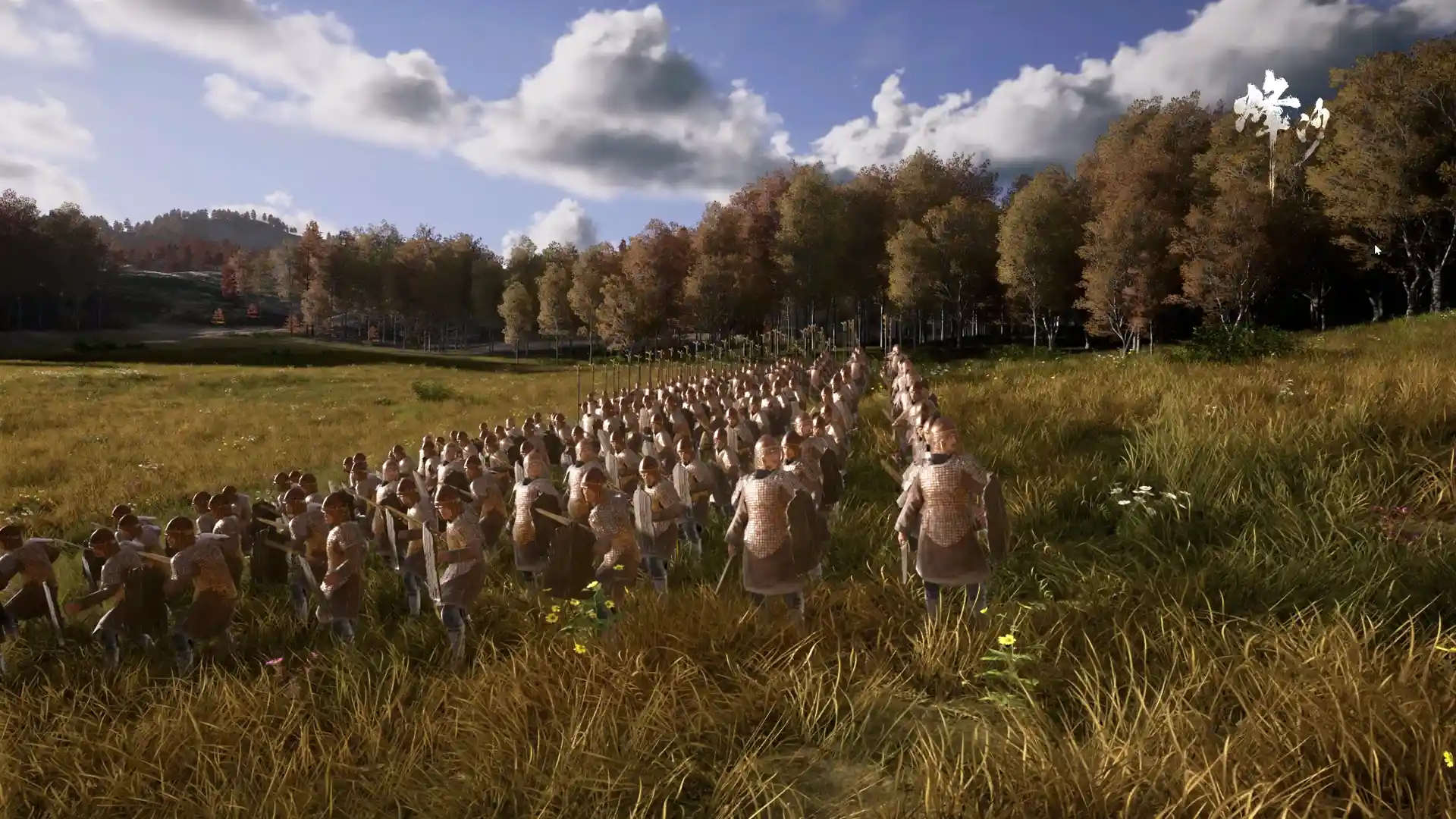
Conscripting Soldiers
To turn laborers into soldiers:
- 1Prepare enough equipment (weapons, armor, etc.).
- 2Select the conscript function in the panel.
- 3Choose the soldier type to conscript.
Conscription requires the necessary weapon equipment! Armor is not mandatory, but unequipped soldiers have very poor combat effectiveness.
Soldier Types
Soldier types are determined by the weapons used during conscription. Confirmed types include melee infantry (short sword, long ge), archers (bow), and chariot troops. More types will be documented as data is mined.
Issuing Orders
After selecting a soldier/army:
| Order | Effect |
|---|---|
| Right-click ground | Move to that position |
| Hold | Hold position, don't pursue enemies |
| Pursue | Actively chase enemies |
Knockback (Pseudo-Physics)
In combat, chariot-type attacks can knock soldiers back: the hit soldier flies in a parabolic arc and only recovers standing posture after landing. Flight distance and height scale with the attacker's power and speed.
- Faction-aware: knockback only affects enemy units; friendly fire knockback does not occur.
- National policy unlock: all friendly units gain a chance to knock back on attack.
- Hold state: soldiers in Hold orders are harder to knock back — use this to stabilize lines.
Terrain Height Advantage
Height difference between attacker and defender creates distinct combat outcomes for wall sieges and terrain elevation:
- Low attacking high (e.g. ground troops attacking wall defenders): the hit party takes less damage.
- High attacking low (e.g. wall defenders firing down at siege troops): the hit party takes more damage.
In-game Screenshots