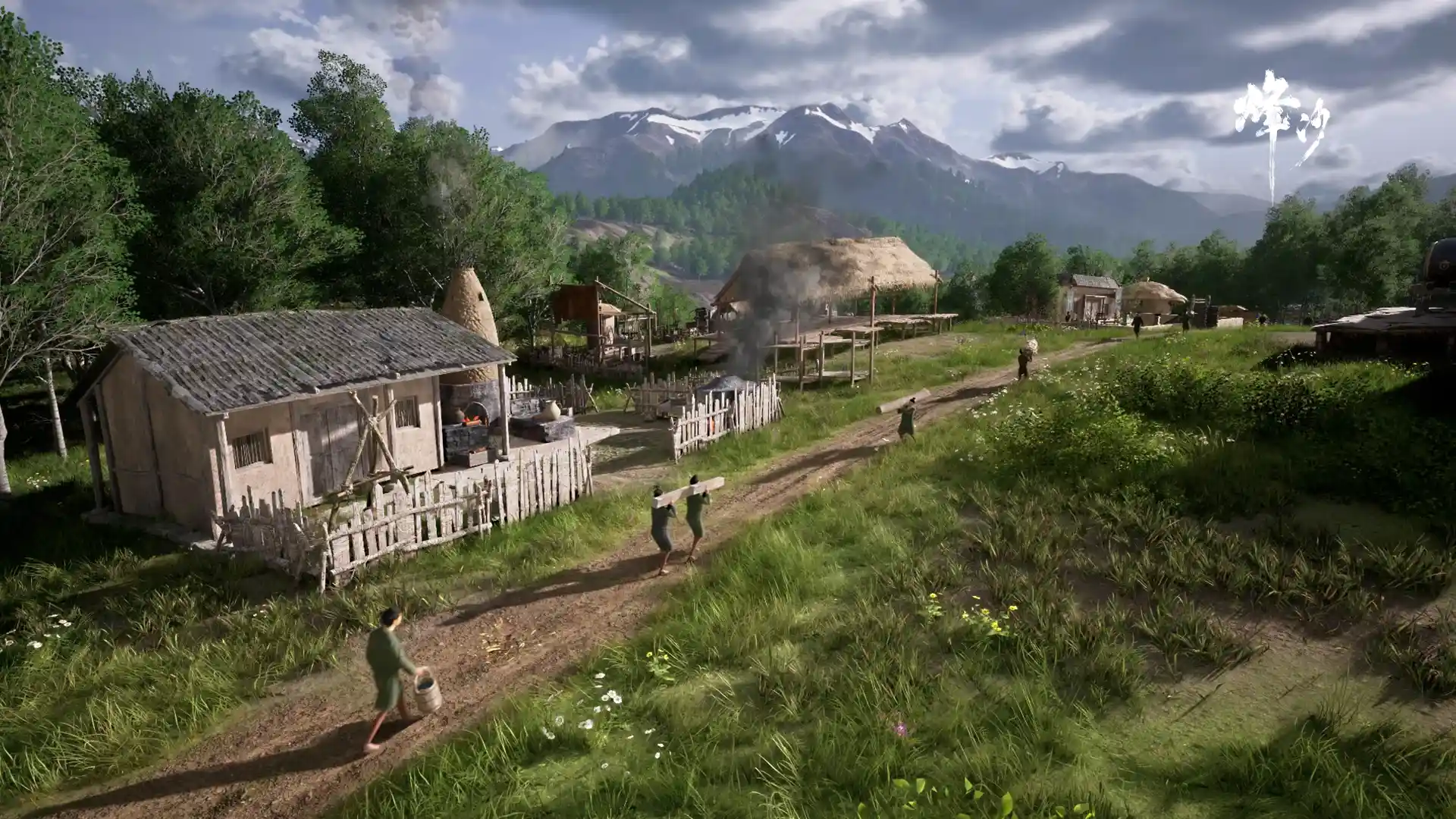
What is a Laborer Unit
The basic labor unit is called a 伍 (wǔ), containing about 5 laborers (民夫). Laborers are your workforce — they automatically perform all kinds of work. You'll see them walking around, hauling items, constructing buildings, gathering resources, etc.
How Laborers Work
Laborer work is fully automatic — you never micromanage individuals. The system auto-assigns work:
- 1A building creates a work demand (e.g. 'haul timber', 'construct', 'produce').
- 2The system finds an idle laborer.
- 3The laborer travels to the building to execute the task.
- 4On completion, the laborer seeks the next task.
The building panel's "Work" tab shows: how many laborers are currently working there, what tasks are in progress, and task progress.
Assigning Laborers to Buildings
Although labor is auto-assigned, you must manually assign 伍 to buildings — a building without an assigned 伍 will not work.
- 1Open the building detail panel.
- 2Find the laborer slot in the Overview tab.
- 3Click Assign to allocate a 伍 to the building.
An assigned 伍 prioritizes that building, boosting its efficiency.
Laborer States
Laborers show different visual states on screen — hauling, building, gathering, idle, sick, etc.
In-game Screenshots